
 |
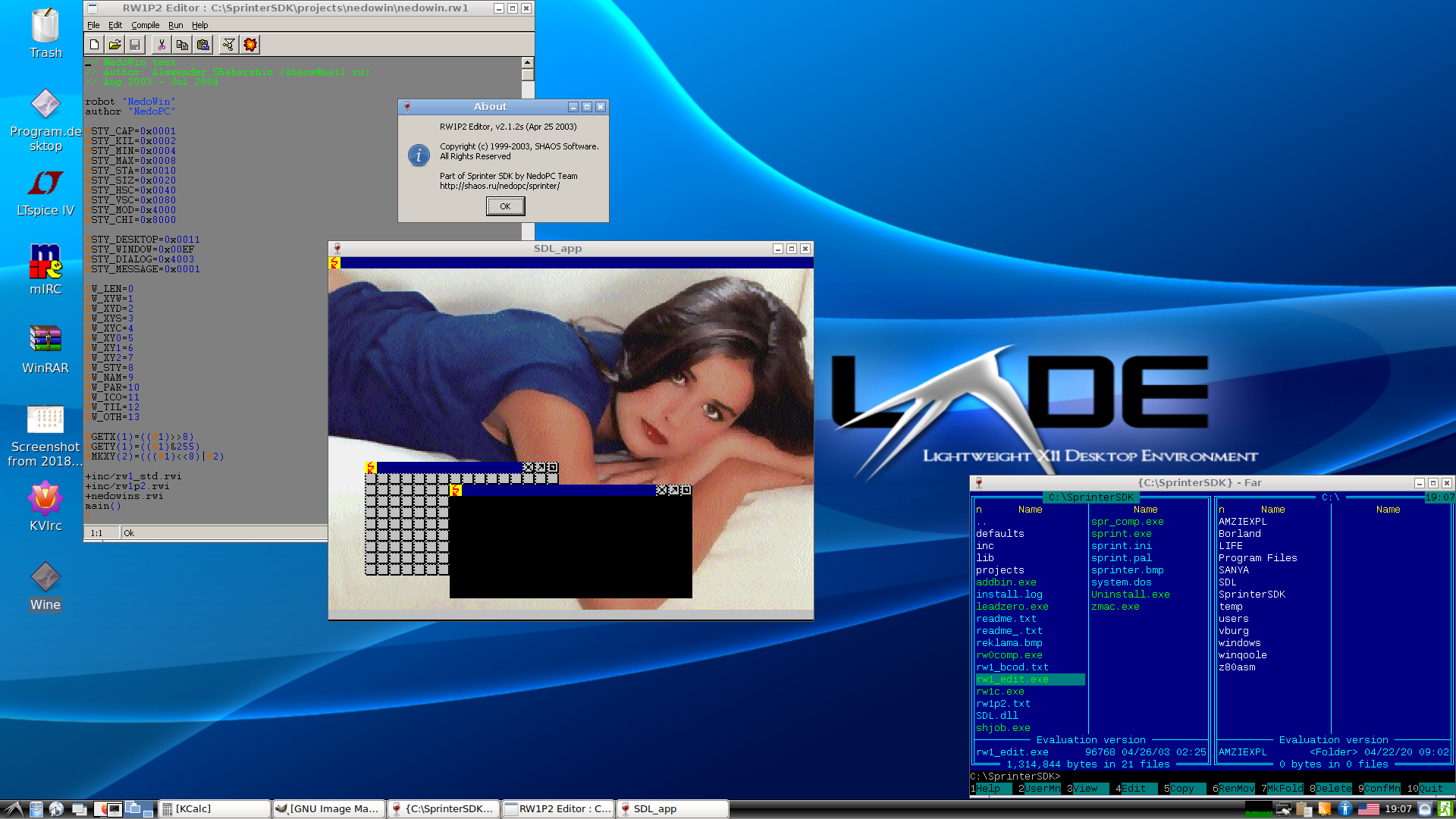
(Screenshot updated in 2020)
Moderator: Shaos

|


Marcelo wrote:Shaos: I am NO native English speaker. In fact, I speak native Spanish.
Anyway, good news is that I have been in the States for some time, and I have a very good english level. Bad news, on the other side is that I know NO RUSSIAN at all.
My technical english is almost perfect: I do installs (most on foreign countries) and programming for a living. So if if you think I can help in translating Sprinter SDK, do NOT doubt in contacting me.
I live in Argentina, South America, and I am a pride owner of a Sprinter.
Live long and prosper,
Marcelo.
LESSON 1
Open Sprinter SDK Editor and type an elementary
program in RW1 programming language:
robot "Hello"
author "NedoPC"
main ()
{
say " HELLO, WORLD! "
}
You can easily to look a structute of ours the program-robot.
At first, this is a name of the program so-called,
which follows key-word ROBOT. Second, it
a name of the author so-called which follows key-word
AUTHOR. Thirdly, this main function main (), which body
situated between opening and closing figured
brackets.
Note: the description of function main () should
precede descriptions of all other functions. Function main () actually is loop. When
the program reaches the end - program start from the begine.
It is important to write a string for command SAY by big
letters (because in the current version my font has no
small letters:). It is important to insert into the end of the text
one empty line - else a last line can
be not processed by the compiler.
So, keep (Save as) a file, for example in projects/hello/hello.rw1 and compile it
( F8 ), if compilation has passed without problems (see the message),
that run our robot ( F9 ).
You will see a black console window - at successful performance
compilations the file in a format of executed files
a Sprinter computer hello.exe will be created and the emulator with
our line below - " HELLO, WORLD!" will be started.
Press F10 for close the window of the emulator. Next advertising of Sprinter computer will open
- click it with the mouse and the site of the manufacturer of
Sprinter computer http://www.petersplus.com will open. If you do not want to see this advertising - contact us, we to you explain
to you what to do(make).
Ok, send it to shaos@mail.rub00mzi11a wrote:Hi there, I am from the UK, and therfore a native english speaker. I can also help you out with the translations if you like : )
Just one question - I am using Windows XP Professional, and when I am using the editor for the Sprinter SDK, it does some very strange things when I am inputting text. Like, for example, when I am typing in the Hello World code, the cursor keeps jumping about to the end of the line and then back again, and when I open the .SPR file, it is completely unreadable. I will post a screenshot if you like.
Thanks

